% open tv-remote
TV Remote
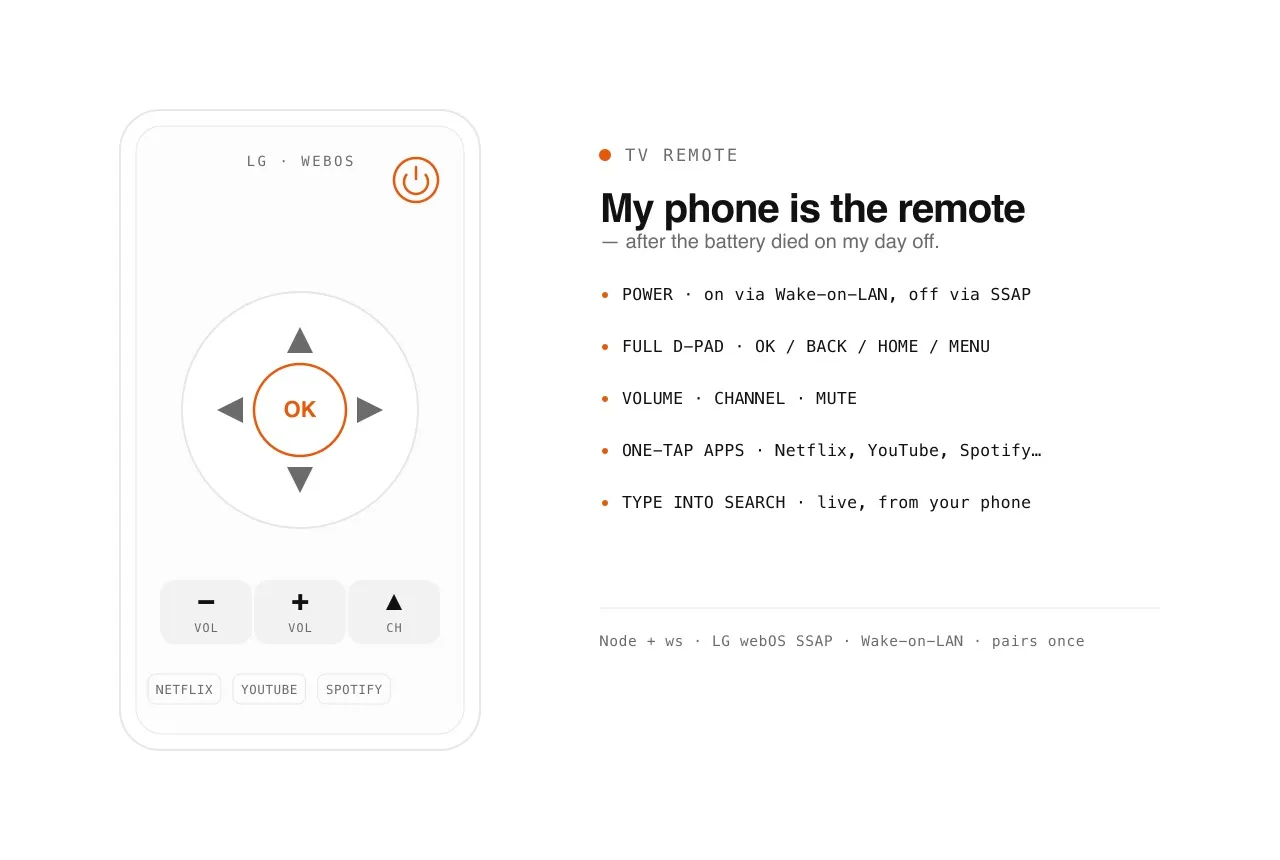
Day off, the remote's battery died — so I turned my phone into a better one. Power, D-pad, apps, and typing into search.
PROBLEM
It was my day off and I just wanted to watch TV. The remote's battery died. Instead of hunting for a fresh one, I figured the TV is sitting on the WiFi anyway — so I built a better remote instead. And while I was in there, I fixed the genuinely worst part of any remote: typing a search one letter at a time with a D-pad.
WHAT I BUILT
A phone web remote for the LG (webOS) TV. Open a page on your phone over WiFi and you get the whole remote: power on and off, full D-pad with OK/Back/Home, volume and channel, one-tap app launching (Netflix, YouTube, Prime, Disney+, Spotify), and — the best bit — you type into TV search boxes using your phone keyboard, live as you type. No app to install, no remote to lose.
HOW IT WORKS
A tiny Node bridge holds the actual TV connection so the phone doesn't have to. It talks LG's SSAP protocol over a WebSocket for every button, and powers the TV back on with a Wake-on-LAN magic packet (the one thing you can't do over a connection to a TV that's already off). It pairs once — the TV shows an 'accept this app?' prompt, you say yes, and the pairing key is saved and reused forever. The phone just loads a mobile page over the LAN; all the protocol lives in the bridge.
WHERE IT'S AT
Live on my home WiFi. It's a LAN tool — no public URL by design — running off a Mac on the network. Pairs once, then just works.
WHAT I LEARNED
The satisfying realisation was that the 'hardware' problem was a software problem the whole time. The TV was always reachable on the network; the remote was just a missing UI. The only genuinely tricky part was power-ON — a TV that's off has no connection to receive a command, which is exactly why Wake-on-LAN exists, so the bridge learns the TV's MAC while it's awake and wakes it with a magic packet later.
STACK
Node · ws (WebSocket) · LG webOS SSAP · Wake-on-LAN · mobile web UI
$ npm start                       # bridge on http://<mac-lan-ip>:8080
[ssap]  connecting ws://192.168.0.199:3000 ...
[pair]  TV prompt accepted · key saved to key.json ✓
[phone] GET /  ->  remote UI served
[key]   RIGHT · RIGHT · OK        -> ssap button sent ✓
[type]  search box <- "the bear"  (live, per keystroke)
[power] TV off -> wake-on-LAN magic packet -> on ✓% cd ..